Make Smarter Tech Decisions

Not sure which tool to use? Learn how to pick the best tech solutions with simple guides and expert advice.

Welcome to Osainews, your go-to destination for everything related to technology, how-to guides, and practical digital solutions.

In a world where technology evolves rapidly, staying updated can feel overwhelming.
That’s why Osainews is built to simplify complex topics and turn them into clear, actionable insights that anyone can follow.

Whether you’re a beginner trying to understand the basics or a tech enthusiast looking to sharpen your skills, our content is designed to guide you step by step.
At Osainews, we focus on delivering high-quality tech guides, tutorials, and tips that help you solve real problems.
From learning how to optimize your computer, improve your online security, and choose the best software tools, to discovering the latest apps and digital trends, we cover it all.
Our mission is simple: help you make smarter tech decisions with confidence. Every article is crafted to be easy to read, practical, and directly useful in your daily digital life.

We understand that choosing the right tools and platforms can make a huge difference. That’s why we provide expert insights and honest recommendations, so you can find what truly works for your needs.

No unnecessary jargon, no confusion—just clear, step-by-step guidance to help you get things done faster and better.
Whether you’re exploring new technologies, fixing common issues, or learning new skills, Osainews is here to support your journey.

Our content is also optimized to keep you ahead in the digital world.
We regularly update our blog with fresh tutorials, how-to articles, and tech news that matter. This means you’ll always have access to the latest information and strategies to improve your productivity, boost your knowledge, and stay competitive.
Join thousands of readers who trust Osainews as their daily source of tech knowledge. Start exploring today, learn something new, and take control of your digital experience with confidence.

Latest Articles
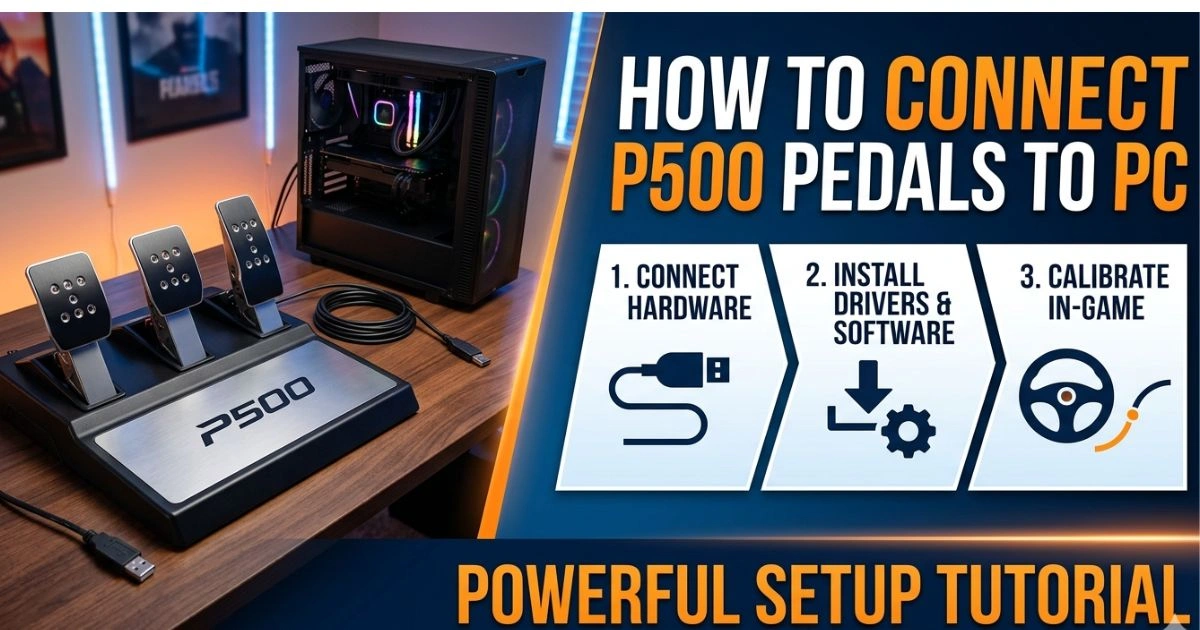
How to Connect P500 Pedals to PC

How to Connect P500 Pedals to PC: Powerful Setup Tutorial

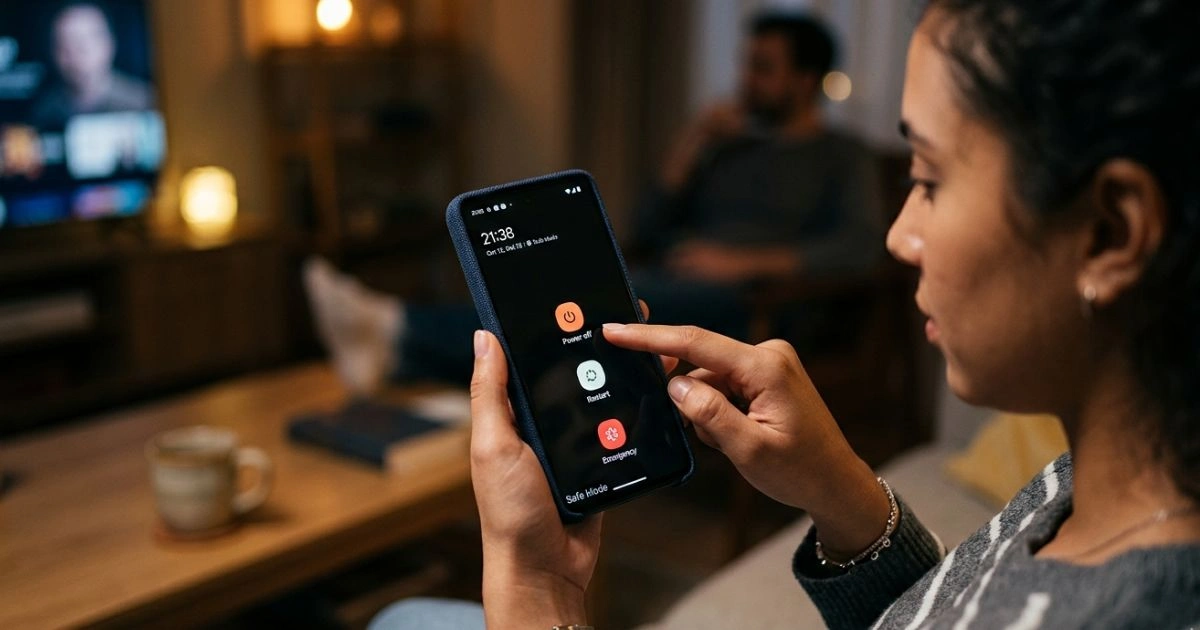
How Do You Turn Safe Mode Off on an Android

How Do You Turn Safe Mode Off on an Android – Simple Fixes

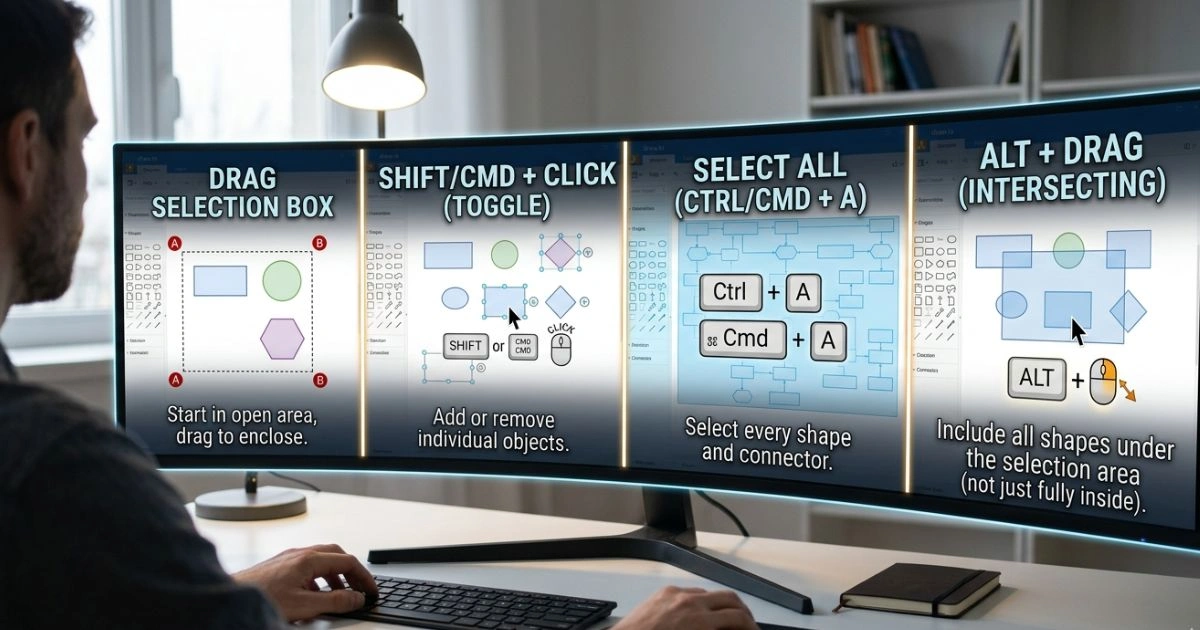
How to Select Multiple Things on Draw.io

How to Select Multiple Things on Draw.io – Smart Time-Saving Tips

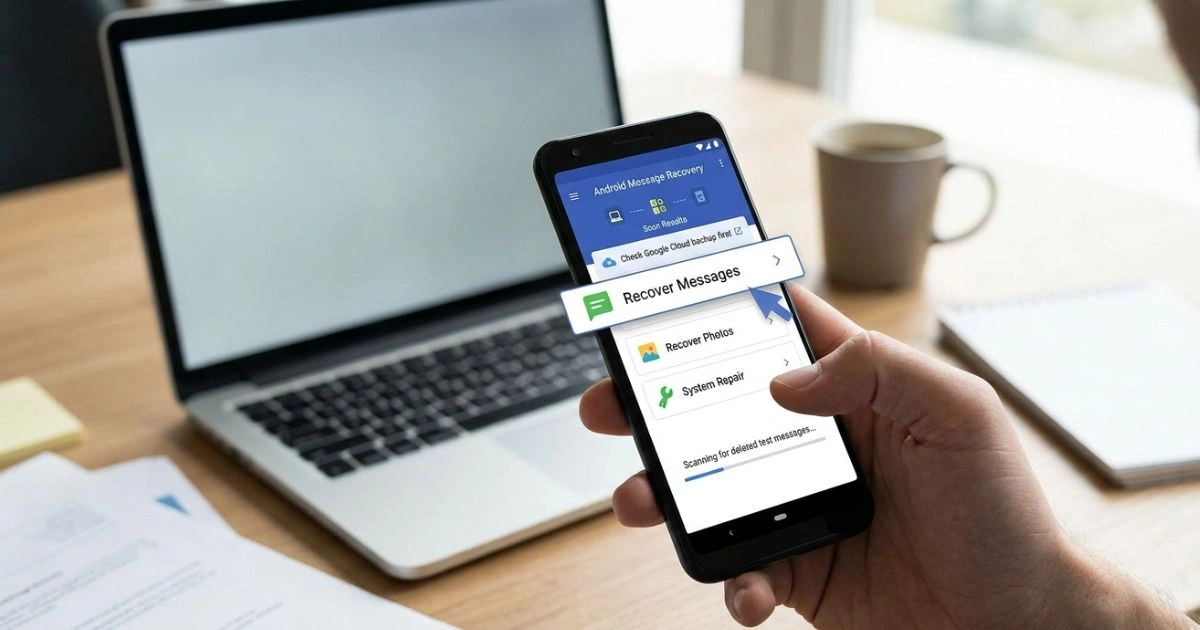
How to Retrieve Deleted Text Messages on Android

How to Retrieve Deleted Text Messages on Android – Powerful Recovery Tips

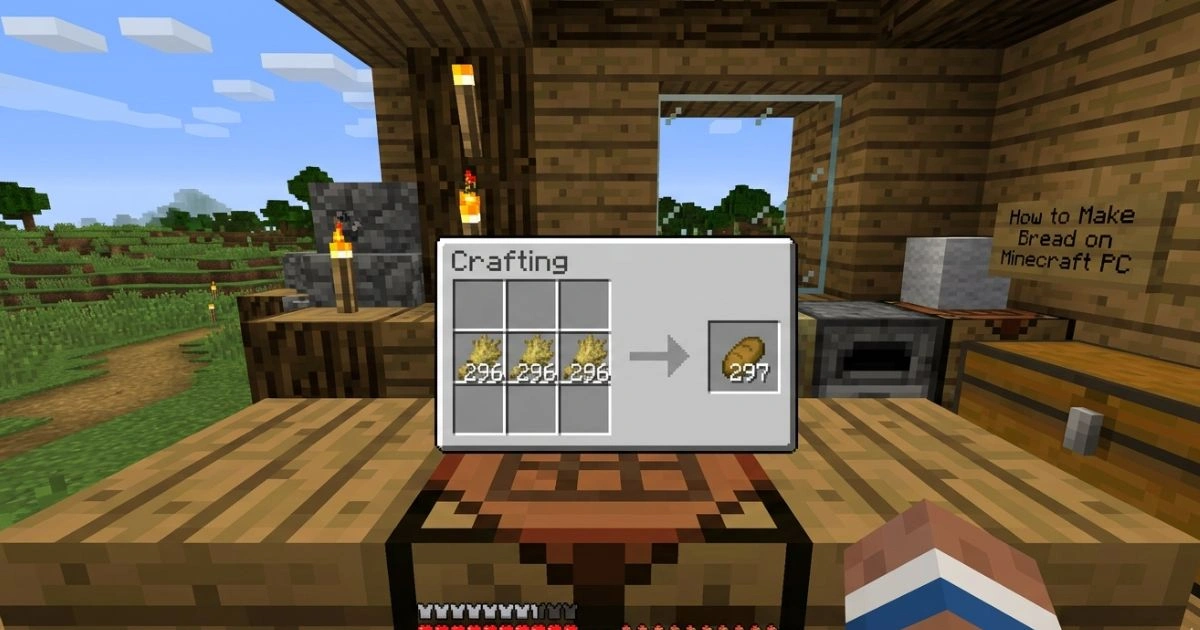
How to Make Bread on Minecraft PC

How to Make Bread on Minecraft PC – Essential Crafting Guide

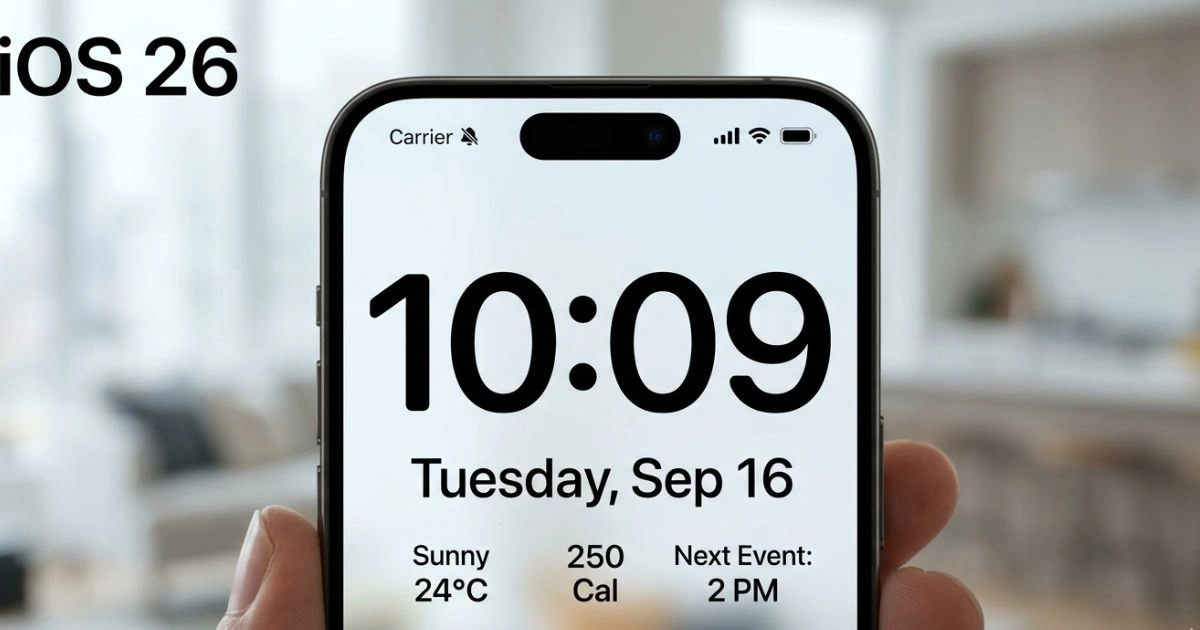
How to Make Time on iPhone Bigger iOS 26

How to Make Time on iPhone Bigger iOS 26 – Useful Accessibility Tips

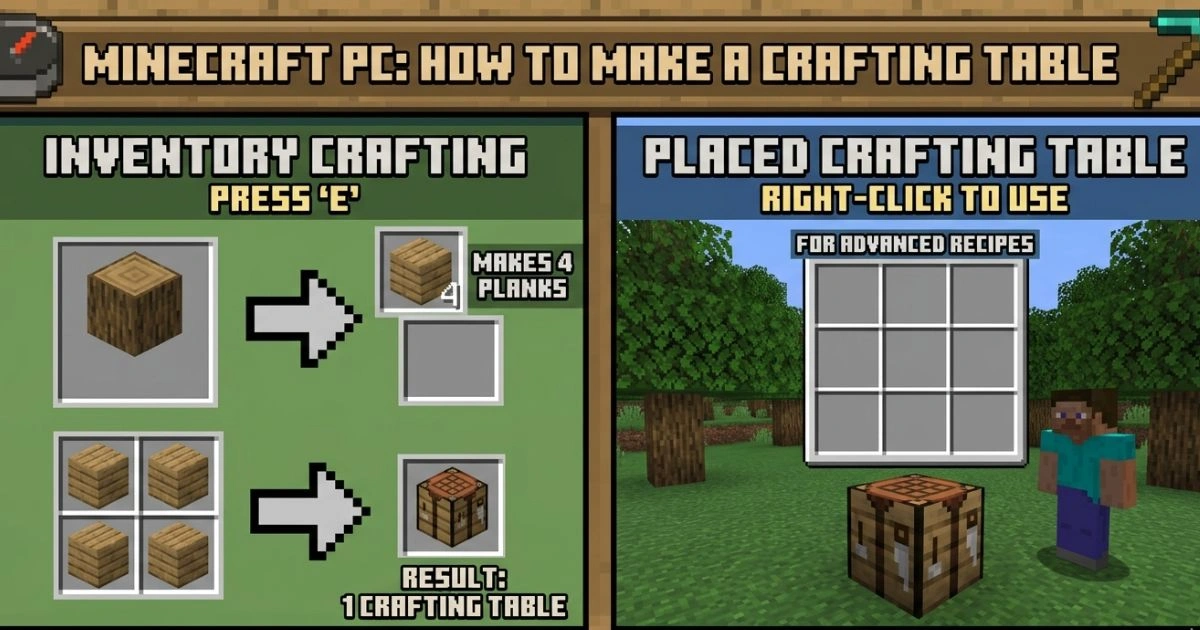
Minecraft PC How to Make a Crafting Table

Minecraft PC How to Make a Crafting Table – Complete Beginner Guide

How to Delete a Directory in Linux

How to Delete a Directory in Linux – Safe and Quick Methods

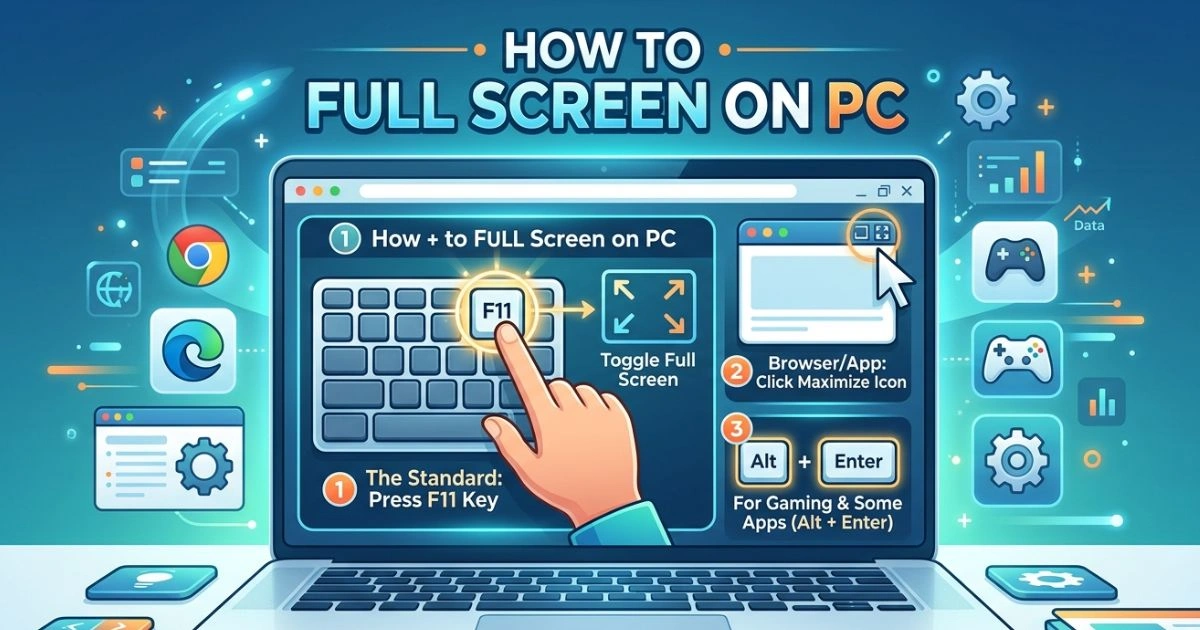
How to Full Screen on PC

How to Full Screen on PC – Powerful Methods for Any App

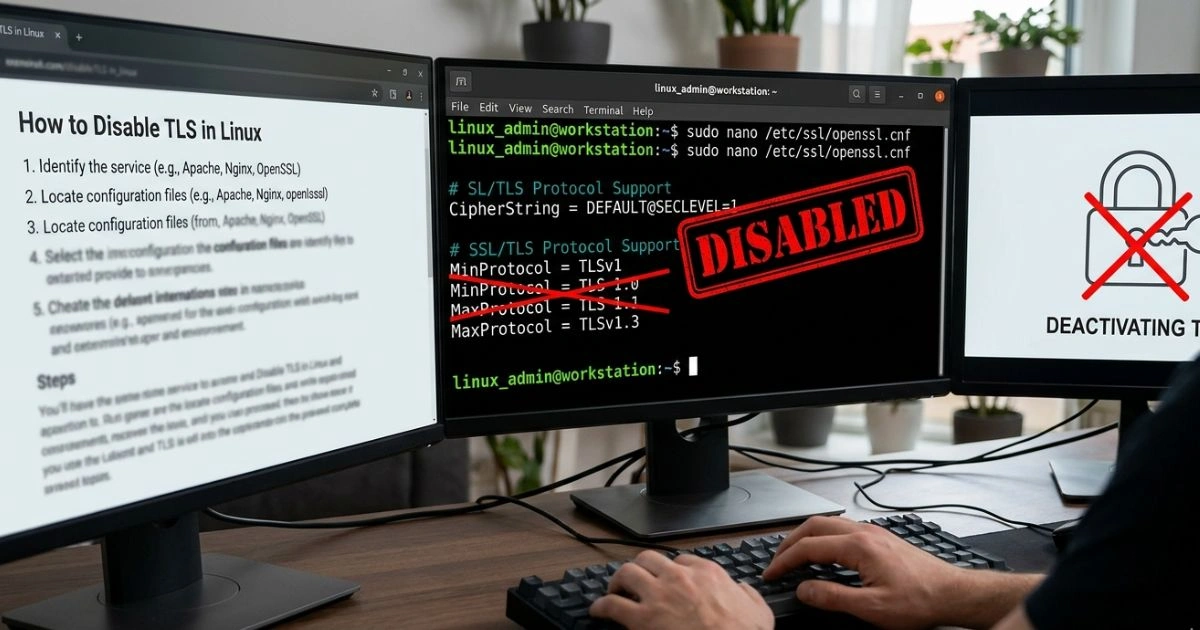
How to Disable TLS in Linux

How to Disable TLS in Linux – Expert Steps for Configuration

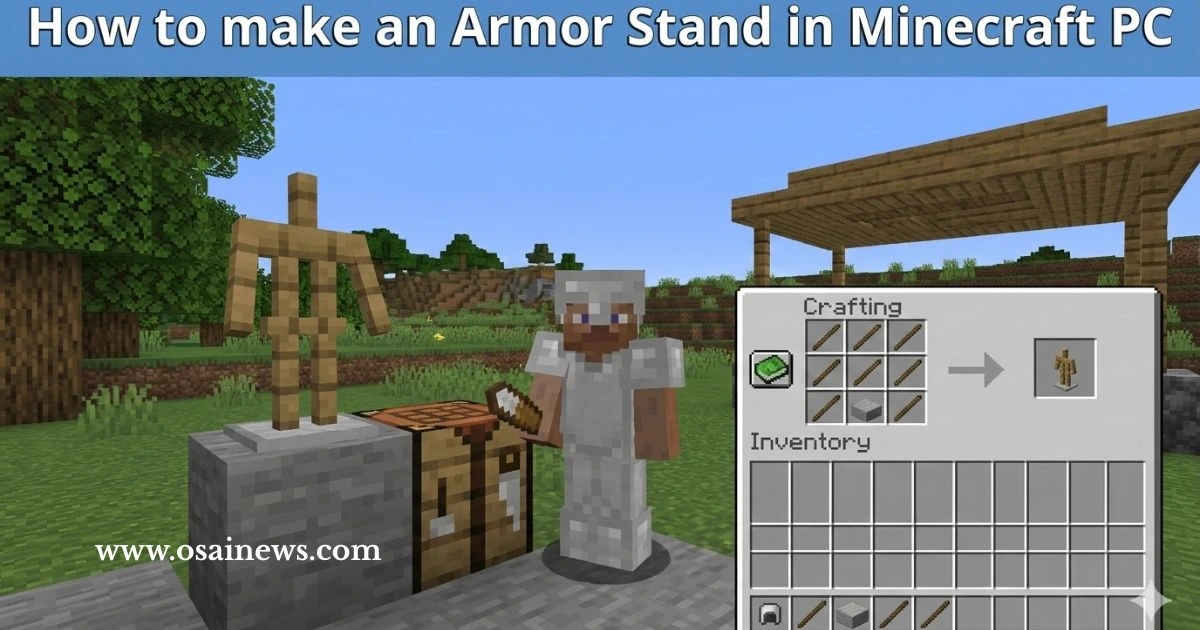
How to Make a Armor Stand in Minecraft PC – Easy Step-by-Step Guide

How to Make a Armor Stand in Minecraft PC (Step-by-Step)

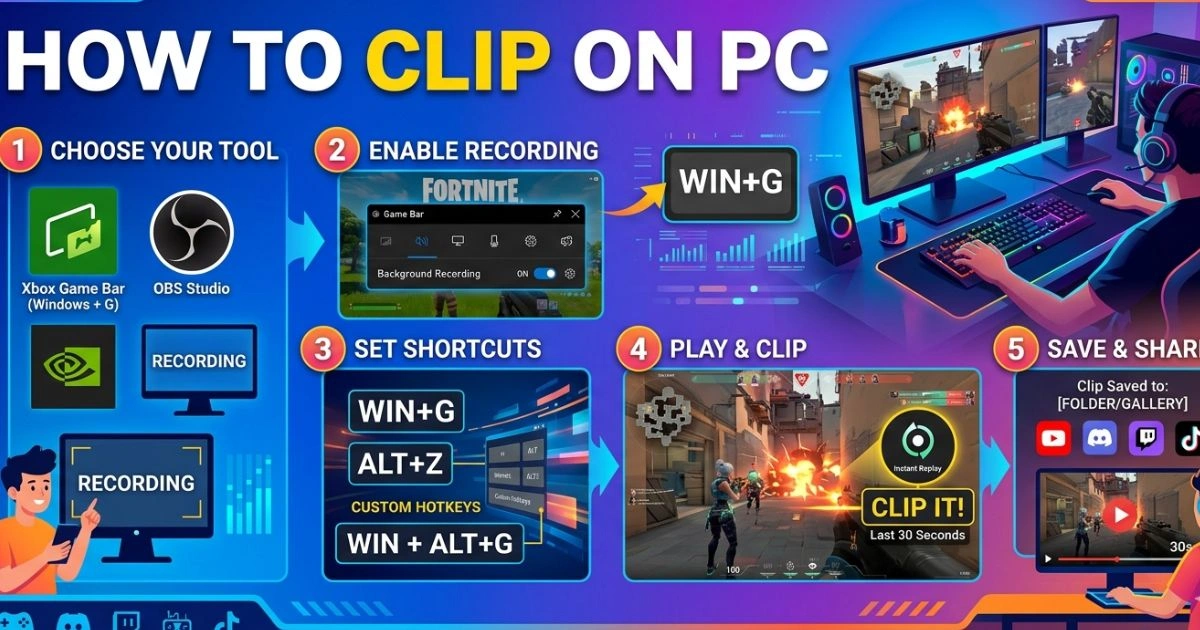
How to Clip on PC

How to Clip on PC (Step-by-Step Beginner Guide)

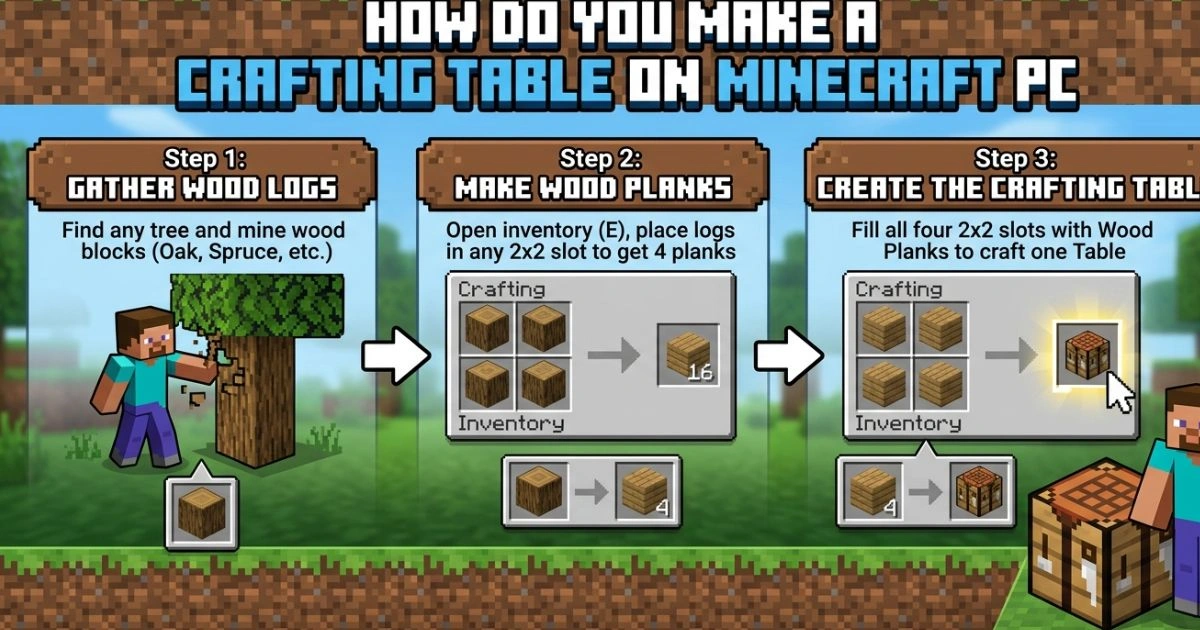
How do you Make a Crafting Table on Minecraft PC

How do you Make a Crafting Table on Minecraft PC (Easy)

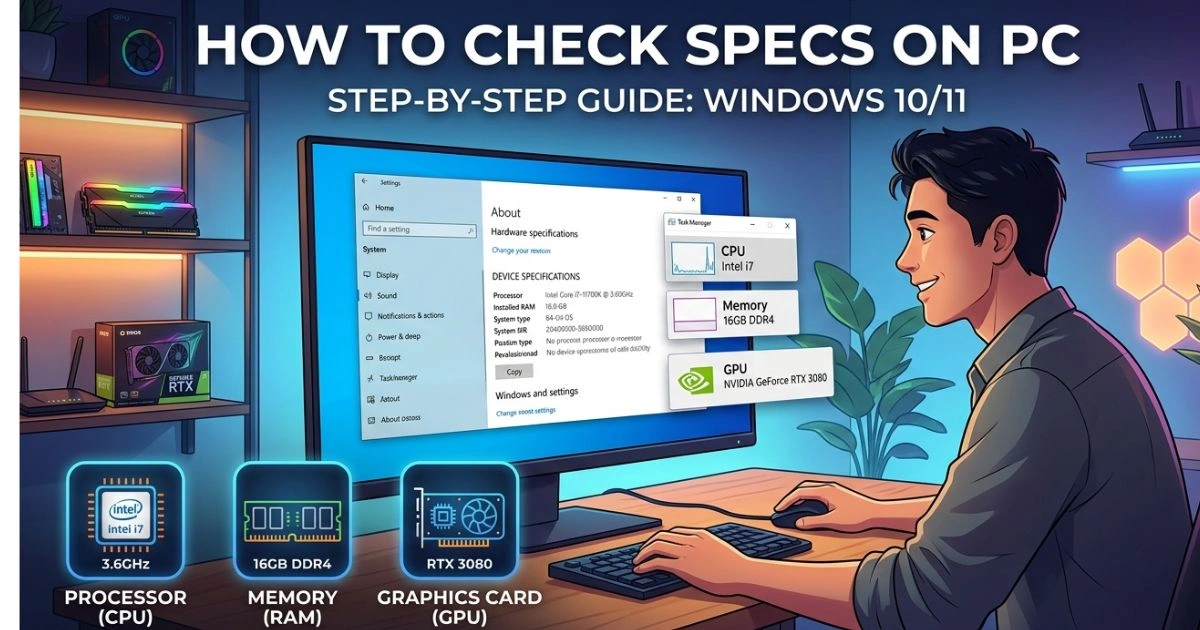
How to Check Specs on PC

How to Check Specs on PC (Complete Beginner Guide)

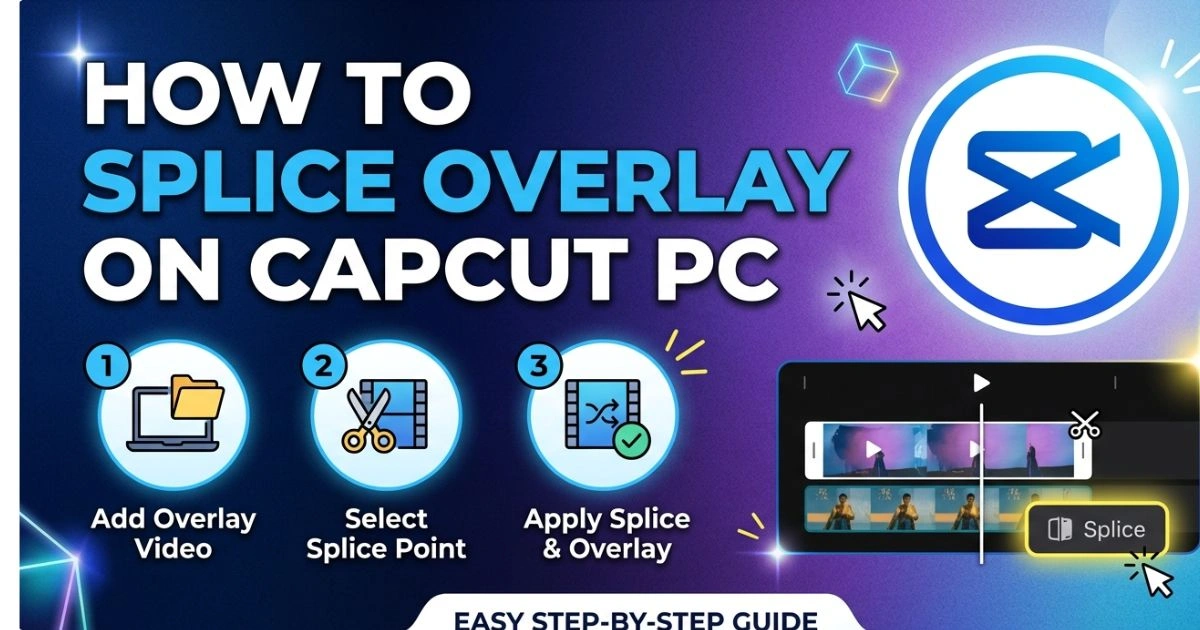
How to Splice Overlay on CapCut PC

How to Splice Overlay on CapCut PC (Beginner Guide)

How to Play Clash Royale on PC

How to Play Clash Royale on PC (Step-by-Step Guide)

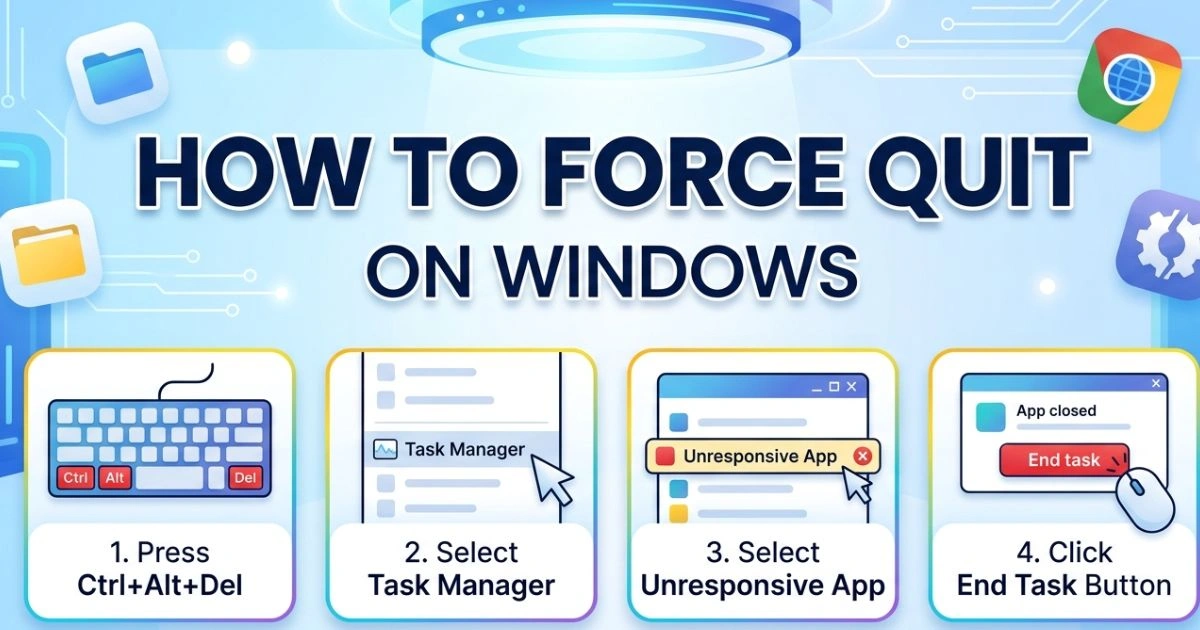
How to Force Quit on Windows

How to Force Quit on Windows (Fast & Easy Methods)

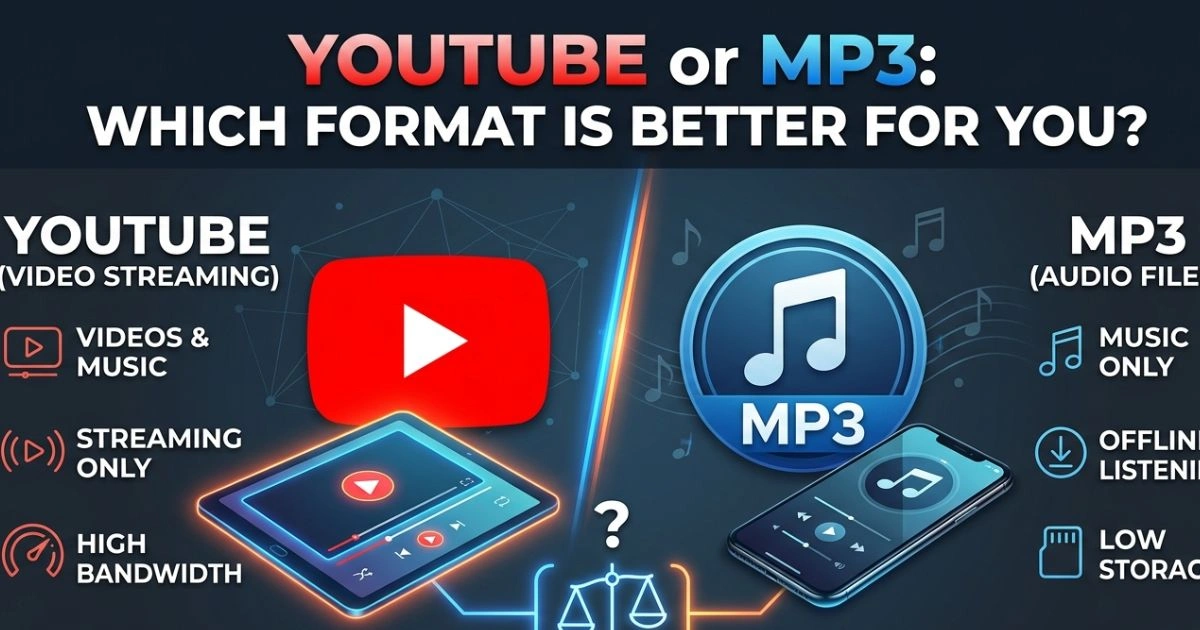
YouTube or MP3

YouTube or MP3: Which Format Is Better for You?

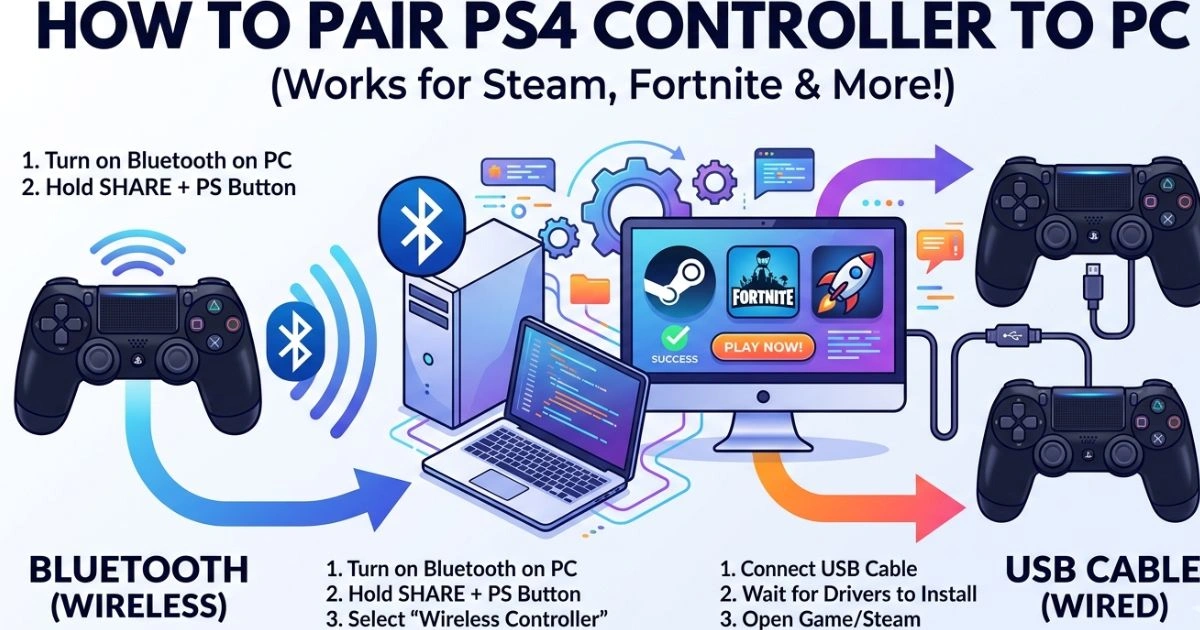
How to Pair PS4 Controller to PC

How to Pair PS4 Controller to PC (Wired & Bluetooth Guide)

How to Get Effects on Google Duo

How to Get Effects on Google Duo (Easy Methods)

YouTube to MP3 Converter

Best YouTube to MP3 Converter Tools (2026 Guide)

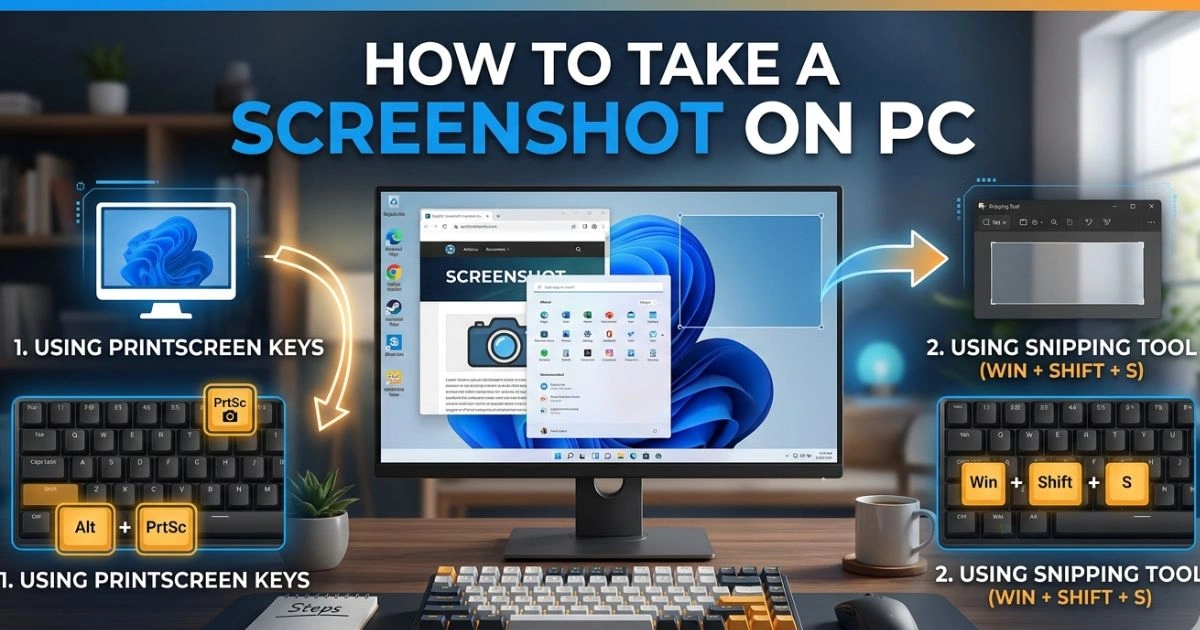
How to Take a Screenshot on PC

How to Take a Screenshot on PC (All Methods)

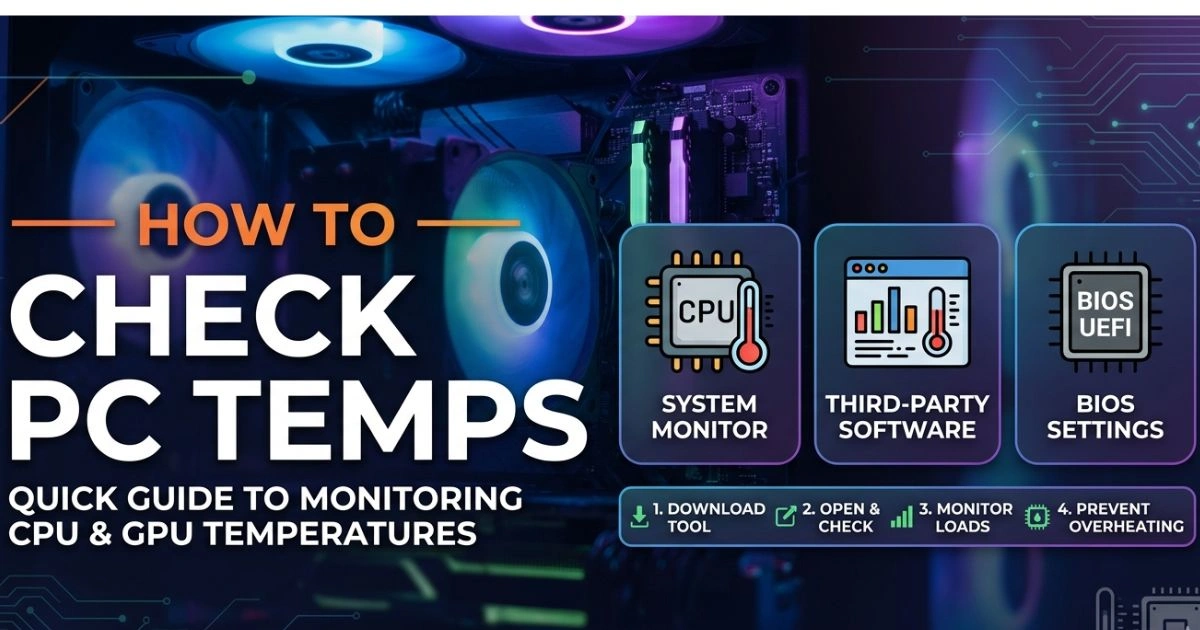
How to Check PC Temps

How to Check PC Temps (Monitor CPU & GPU)

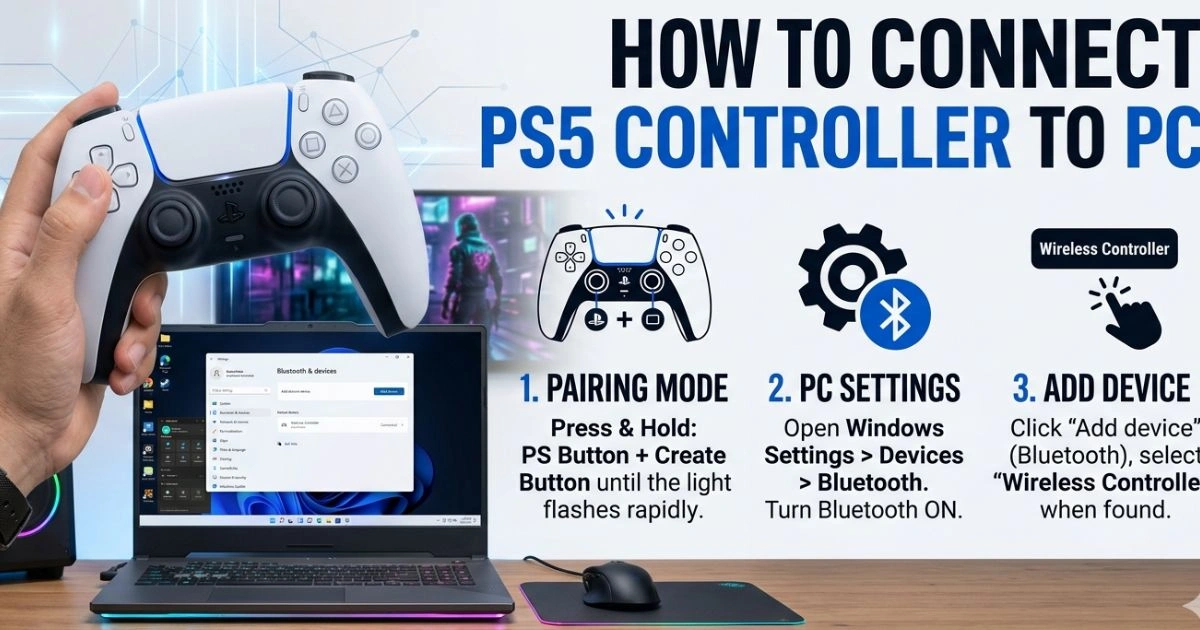
How to Connect PS5 Controller to PC

How to Connect PS5 Controller to PC (Easy Guide)

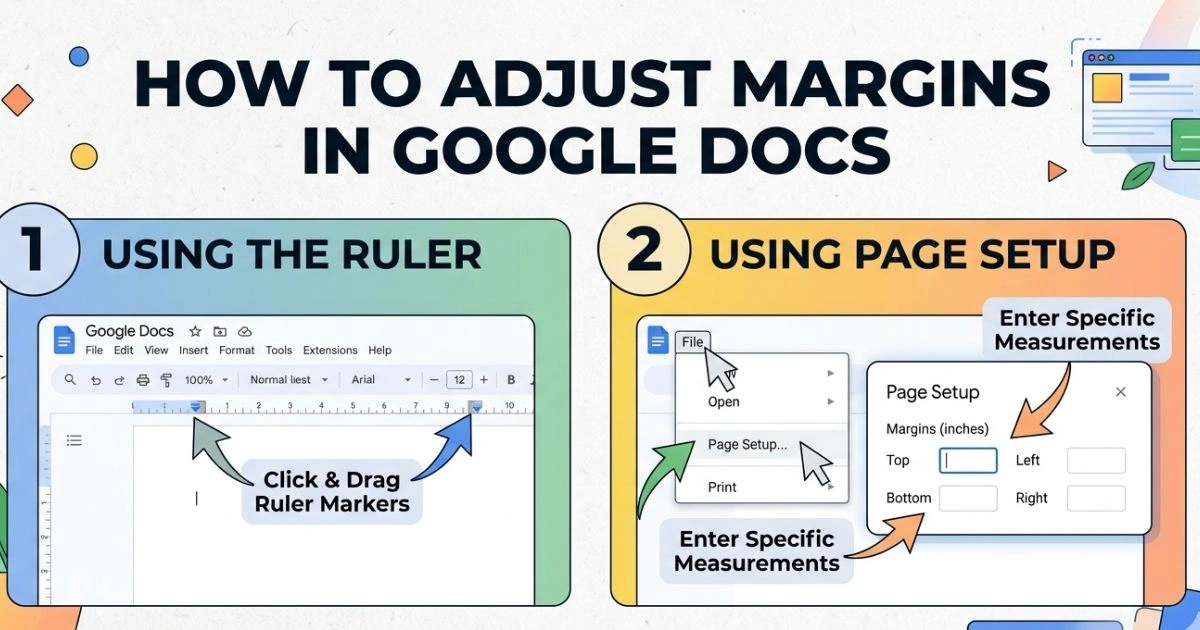
How to Adjust Margins in Google Docs

How to Adjust Margins in Google Docs (Step-by-Step)

Never Miss a Tech Update

Join thousands of readers getting the best tech content straight to their inbox.

© 2026 Osainews. All rights reserved.